
Table of Contents
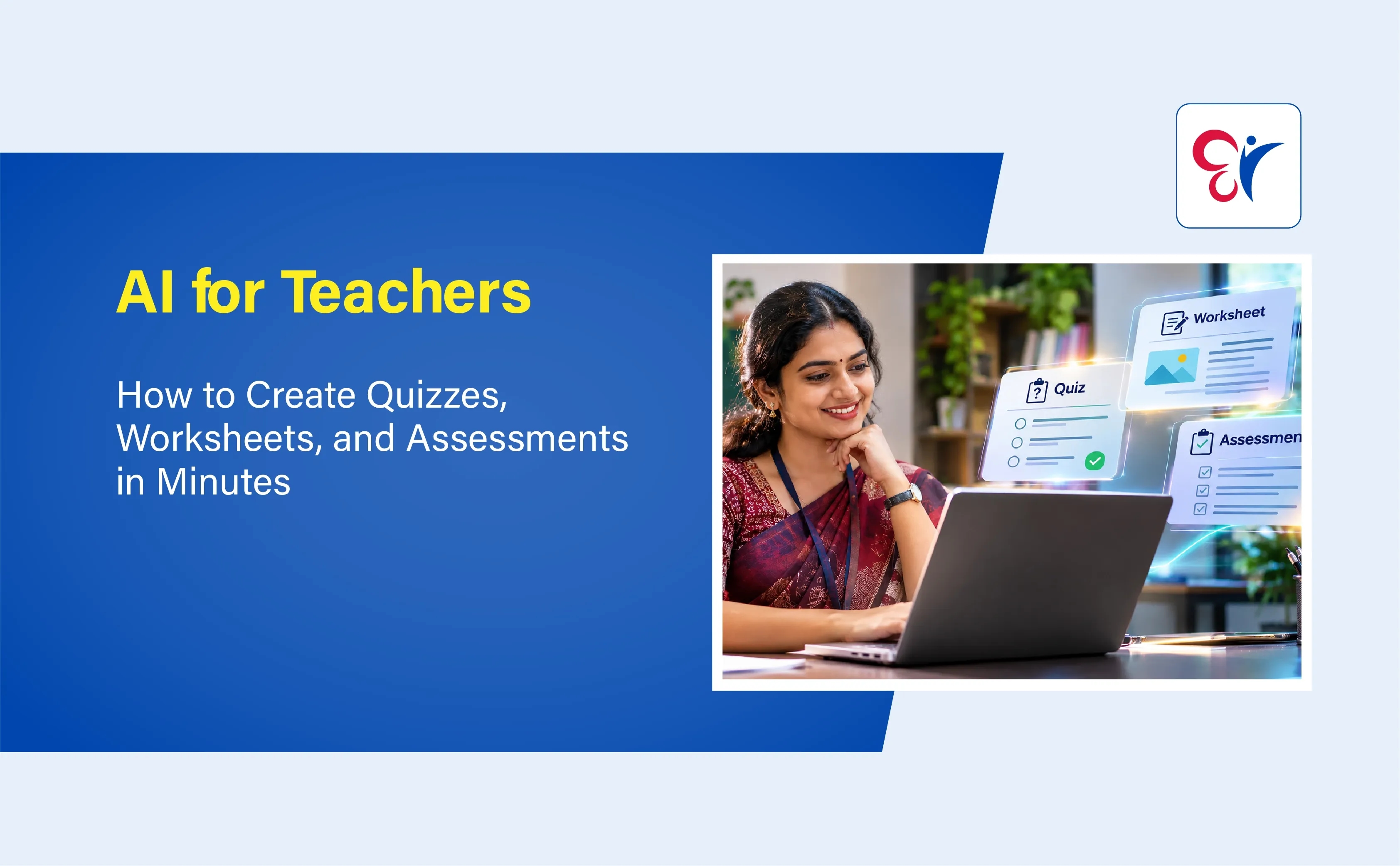
Teachers spend hours preparing lesson plans, classroom activities, question papers and student assessments. AI tools for teachers simplify these tasks by helping educators create quizzes, worksheets, multiple-choice questions and assignments in minutes. With AI-powered teaching tools, teachers can develop curriculum-based learning materials suited to different student levels. As Kerala advances digital education through KITE initiatives, understanding how to use AI for teaching, assessment and personalised learning is becoming increasingly important.
Why Are AI Tools Becoming Important for Teachers?
Traditional classroom preparation involves several time-consuming activities. Teachers must understand the syllabus, identify learning objectives, prepare suitable questions, organise worksheets and assess student progress.
AI can simplify many of these activities by generating educational content based on instructions provided by the teacher. Here are some important reasons why AI tools for teachers are gaining attention:
- Saves preparation time: Generate question papers, worksheets and classroom activities more quickly.
- Supports different learning levels: Create questions suitable for beginner, intermediate and advanced learners.
- Improves classroom engagement: Develop quizzes, interactive exercises and subject-based activities.
- Simplifies assessment preparation: Generate question banks, answer keys and assessment rubrics.
- Supports personalised learning: Adapt educational materials to students' learning requirements.
- Encourages creative teaching: Explore different ways of explaining difficult concepts.
However, AI should support teachers rather than replace their academic judgement. Every generated resource needs to be checked for accuracy, syllabus relevance and suitability before classroom use.
How to Create Quizzes Using AI in Minutes?
Preparing quizzes is an important part of classroom teaching. Regular quizzes help teachers understand whether students have understood a particular lesson and identify topics that require additional attention. An AI quiz generator can create different types of questions from a topic, chapter or learning objective.
Step 1: Select the Subject and Topic
Start by identifying the subject, class and chapter for which you need a quiz.
For example, a Kerala school teacher teaching Class 8 Science may want to prepare a quiz on the human digestive system.
Provide the AI tool with the following details:
- Subject: Science
- Class: 8
- Topic: Human Digestive System
- Number of questions: 15
- Difficulty: Easy to moderate
Providing specific information helps generate more relevant questions.
Step 2: Choose the Question Format
AI tools can help teachers prepare different question formats, including:
- Multiple-choice questions (MCQs)
- True or false questions
- Fill-in-the-blanks
- Match the following
- One-word answers
- Short-answer questions
- Application-based questions
Teachers can combine these formats to assess different levels of understanding.
Step 3: Generate the Quiz
Enter a clear instruction into an AI tool.
Sample AI prompt:
"Create a 15 question Science quiz for Class 8 students based on the human digestive system. Include 10 multiple-choice questions, three true or false questions and two short-answer questions. Follow the appropriate school-level difficulty and provide a separate answer key with explanations."
The AI tool will generate a draft quiz based on the instructions.
Step 4: Review and Customise the Questions
Check whether the questions match the prescribed textbook and learning objectives. Correct inaccurate answers, remove repeated questions and adjust the difficulty level. Teachers can also include questions based on classroom discussions and previous lessons.
Step 5: Share the Quiz with Students
After reviewing the questions, teachers can transfer them into a digital quiz platform, prepare a printable question sheet or use them during classroom activities. This approach helps educators create classroom quizzes without spending excessive time preparing every question individually.
Need more Details About the Course AI for Teachers
Enrol Now
How to Create Worksheets Using AI for Different Subjects?
Worksheets provide students with opportunities to practise concepts independently. They also help teachers identify learning gaps and reinforce classroom lessons. An AI worksheet generator can prepare subject-specific practice materials based on class level, chapter and learning objectives.
1. Create Mathematics Worksheets
Mathematics teachers can use AI to generate practice questions on topics such as fractions, algebra, geometry, percentages and equations. For example, a teacher can request 20 mathematics problems on fractions for Class 6 students, including basic calculations and word problems.
AI can also generate separate worksheets with increasing difficulty levels.
2. Generate English Grammar Worksheets
English teachers can create worksheets covering:
- Tenses and sentence formation
- Parts of speech
- Active and passive voice
- Direct and indirect speech
- Vocabulary exercises
- Reading comprehension
- Punctuation and spelling
Teachers can request exercises with answer keys to simplify classroom evaluation.
3. Prepare Science Worksheets
AI can help generate science worksheets covering definitions, diagrams, scientific concepts, application-based questions and chapter summaries. For example, teachers can prepare worksheets on photosynthesis, the human body, electricity and environmental science.
4. Create Social Science Worksheets
Social Science teachers can use AI to develop activities on Indian history, geography, political science and economics. Useful worksheet formats include map-based questions, timeline activities, concept matching and short-answer exercises.
5. Develop Malayalam and Other Language Worksheets
Language teachers can create reading comprehension exercises, vocabulary activities, grammar questions, translation exercises and sentence-building activities.
For Kerala classrooms, teachers can request Malayalam-language learning materials and bilingual explanations where appropriate. However, language quality and textbook terminology should always be reviewed.
Sample AI Prompt for Creating Worksheets
"Prepare a worksheet for Class 7 students on the topic of photosynthesis. Include five multiple-choice questions, five fill-in-the-blanks, five short-answer questions and two application-based questions. Use simple language suitable for the students' learning level. Provide a separate answer key."
The generated worksheet can be edited, formatted and printed for classroom use.
How to Create AI-Based Assessments for Students?
Assessment is not limited to conducting examinations. It helps teachers understand student progress, identify areas of difficulty and improve teaching strategies. AI assessment tools can support educators in preparing different types of assessments.
1. Formative Assessments
Formative assessments help teachers monitor student understanding during the teaching process.
AI can generate:
- Short chapter-wise quizzes
- Exit-ticket questions
- Classroom discussion questions
- Quick revision exercises
- Topic-based practice tests
For example, after completing a lesson on photosynthesis, a teacher can generate five questions to check whether students understand the process.
2. Summative Assessments
Summative assessments evaluate student learning after completing a unit, term or academic programme. Teachers can use AI to prepare draft question papers containing MCQs, descriptive questions, short answers and application-based exercises.
The teacher should verify the question distribution, syllabus coverage, marks and difficulty level before using the paper.
3. Diagnostic Assessments
Diagnostic assessments help identify students' existing knowledge and learning difficulties.
AI can assist teachers in creating preliminary tests that cover essential concepts. Based on the responses, educators can identify topics that require additional explanation or practice.
4. Rubrics and Evaluation Criteria
Teachers can also use AI to prepare assessment rubrics for projects, presentations, assignments and written activities. A rubric can include criteria such as subject knowledge, creativity, accuracy, organisation and presentation.
These criteria help make evaluation more structured and transparent. Teachers must still apply their professional judgement while assessing individual student work.
Best AI Tools for Teachers to Create Quizzes, Worksheets and Assessments
Several AI-powered platforms offer features that can support classroom preparation. Their availability, pricing and features may vary depending on the subscription and region. Teachers should check the current features, eligibility requirements and subscription conditions of each platform before using them.
1. ChatGPT
ChatGPT can help teachers create customized educational content using simple text instructions. Educators can request chapter-wise quizzes, multiple-choice questions, worksheets, lesson summaries and answer keys.
Teachers can also ask the tool to rewrite questions using simpler language or create different versions of the same assessment.
2. Google Gemini
Google Gemini can assist with generating educational explanations, classroom activities, practice questions and lesson ideas. Teachers can provide a topic and request content suitable for a particular grade level.
3. Microsoft 365 Copilot
Microsoft's Teach experience in the Microsoft 365 Copilot app offers AI-supported teaching tools. Educators can draft lesson plans, quizzes and rubrics and modify materials according to language, reading level and difficulty. Access to these features depends on the applicable Microsoft 365 Education licence.
4. MagicSchool AI
MagicSchool AI provides educational AI tools designed to support teachers with tasks such as lesson planning, question generation, instructional materials and classroom resources.
5. Quizizz
Quizizz supports interactive learning and assessment activities. Teachers can use its quiz features to create engaging question-based exercises and review student responses.
6. Canva for Education
Canva for Education helps educators design visually appealing classroom materials, including worksheets, presentations, activity sheets and educational posters. Available AI features depend on the account and product plan.
Important Things Teachers Should Check Before Using AI-Generated Content
Although AI can simplify classroom preparation, it does not guarantee that every generated question or answer is correct.
Teachers should follow these important practices:
- Verify factual accuracy: Check answers, definitions, calculations and explanations against reliable academic sources.
- Follow the prescribed syllabus: Ensure that questions match SCERT, NCERT or the relevant educational board's curriculum.
- Review difficulty levels: Confirm that the content is appropriate for the students' age and academic level.
- Avoid repeated questions: Check whether the generated assessment contains unnecessary repetition.
- Protect student information: Do not upload identifiable student records, marks or personal information to public AI platforms without appropriate safeguards.
- Check language quality: Review grammar, spelling, Malayalam translations and subject-specific terminology.
- Maintain academic integrity: Use AI as a preparation assistant rather than presenting unverified content as an authoritative academic resource.
Practical Tips to Get Better Results from AI Teaching Tools
The quality of AI-generated educational content depends significantly on the instructions provided by the teacher. Follow these tips to create more useful quizzes, worksheets and assessments:
- Mention the class and subject: Always specify the grade level and academic subject.
- Provide the exact chapter: Include the topic or learning outcome to avoid unrelated questions.
- Specify the question format: Clearly mention whether you need MCQs, short answers, descriptive questions or fill-in-the-blanks.
- Set the difficulty level: Request easy, moderate or advanced questions depending on the students' abilities.
- Mention the required number of questions: This helps organise the assessment according to classroom requirements.
- Request a separate answer key: Ask for answers and explanations in a separate section.
- Review before sharing: Verify every question and answer before printing or distributing the material.
Upgrade Your Teaching Skills with AI – CC Learning App
Artificial Intelligence is transforming modern education, making classroom teaching more effective and engaging. AI tools for teachers help simplify lesson planning, create quizzes and worksheets, prepare student assessments and develop interactive learning activities. These tools also save preparation time and support personalised learning for students with different academic needs.
The AI for Teachers Course by CC Learning App introduces educators to practical AI applications and digital teaching tools. Whether you are an experienced teacher or beginning your teaching career, this course helps you develop essential AI skills and explore smarter teaching methods.
Take the next step towards AI-powered teaching! Download the CC Learning App and enrol in the AI for Teachers Course today.
Download CC Learning App Today and Join Now on AI For Teachers Course
Download Now
Frequently Asked Questions
1. How can teachers use AI to create quizzes?
Teachers can enter the subject, class, topic, question format and difficulty level into an AI tool such as ChatGPT or Gemini. The platform can generate a draft quiz with questions and an answer key, which teachers should review before classroom use.
2. Which is the best AI tool for creating worksheets?
ChatGPT and Google Gemini can generate customized worksheet content. Canva for Education can help design printable worksheets, while other specialised platforms offer additional educational resource features. The right choice depends on the teacher's requirements.
3. Can AI generate question papers for school examinations?
Yes. AI can generate draft question papers containing MCQs, short-answer questions, descriptive questions and application-based exercises. Teachers must verify syllabus coverage, marks, accuracy and difficulty before using them.
4. Are AI-generated worksheets suitable for Kerala school students?
They can be useful when customized according to the relevant SCERT or NCERT syllabus, class level and learning outcomes. Teachers should check the content and ensure that it matches the prescribed textbooks.
5. Can AI create multiple-choice questions with answers?
Yes. Teachers can ask AI tools to generate MCQs with four options, identify the correct answer and provide explanations. All answers should be independently verified.
6. How does AI save teachers' time?
AI can speed up the initial preparation of quizzes, worksheets, lesson activities, question banks and assessment rubrics. Teachers can then spend more time reviewing student performance and providing individual academic support.
Notifications
Trending Updates


Related Blogs
November 4, 2026
AI in Education: Are We Teaching Kids to Think or Just to Prompt AI?
9 minute read
October 12, 2026
AI for Teachers: Best AI Tools, How to Use Them & Benefits for Classroom Teaching
12 minute read
October 23, 2026